Accept a verified order
Paid orders enter after payment verification; counter orders enter after approval.
Feature · Kitchen Display (KDS)
Orders arrive with table, item and payment context, then move through station and item-level status.
The problem
Verbal handoffs and unclear tickets create repeated questions during a rush.
A table can also have one item ready while another is still being prepared. A single all-or-nothing status hides that reality.
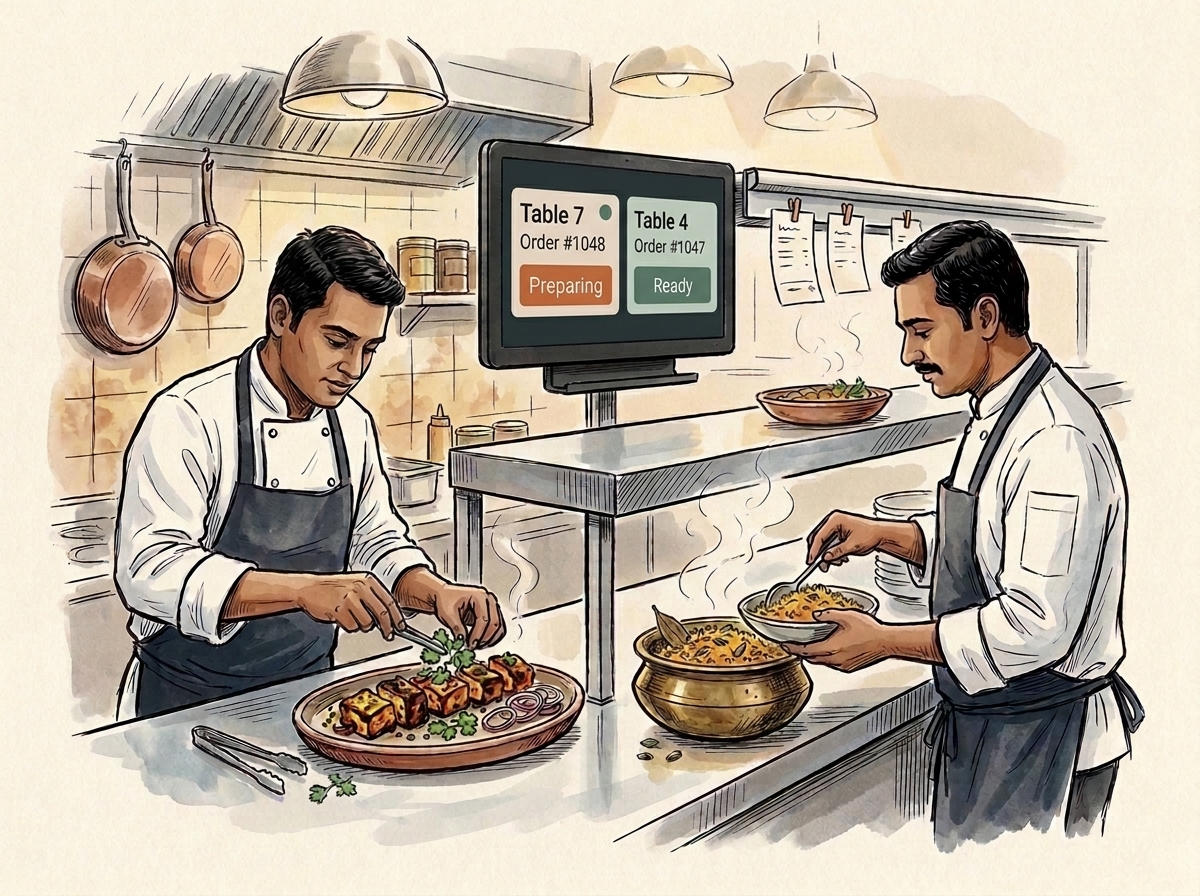
Inside the kitchen
A hand-drawn view of tickets, station status and the kitchen team working from the same live queue.
How it works
Paid orders enter after payment verification; counter orders enter after approval.
Items can be viewed by the kitchen station responsible for them.
Mark individual items preparing or ready, including partially ready orders.
Close the loop when the order is served and completed.
Key capabilities
These capabilities describe the restaurant-first specification. They avoid promising integrations, outcomes or automation that has not been validated.
New ticket queue
Kitchen station views
Item-level preparation status
Partially ready order handling
Served and completed states
Table and payment context
Worked example
The drink can be ready while the main dish is still being prepared. Item-level status keeps the pass informed without hiding that difference.
Cold CoffeeReady
Veg BiryaniPreparing
Paneer TikkaQueued
Who it is for
The flow is designed first for cafés and dine-in restaurants. Cloud kitchens and food-court counters can use the operational parts with a different service setup. Clinics, gyms and colleges are future verticals, not available product packages today.
Feature FAQs
Yes. Item-level status supports partially ready orders.
Online orders require verified payment. Pay-at-counter orders wait for staff approval.
The first approach can use suitable existing devices; hardware options can be discussed during onboarding.
Do not assume so. Validated printer integrations are Coming later.
Related features
Guests browse, add items and choose how to pay without installing an app. Staff keep control of what reaches the kitchen.
FeatureInvite staff and separate responsibilities without turning the setup into a heavy enterprise project.
FeatureReview orders, payment methods and operational totals without presenting unvalidated predictions as fact.