Invite staff
Add the people who need operational access.
Feature · Staff and Roles
Invite staff and separate responsibilities without turning the setup into a heavy enterprise project.
The problem
Not every staff member should change menu settings or view the same operational controls.
At the same time, a small restaurant needs roles that are understandable enough to set up without a long implementation project.
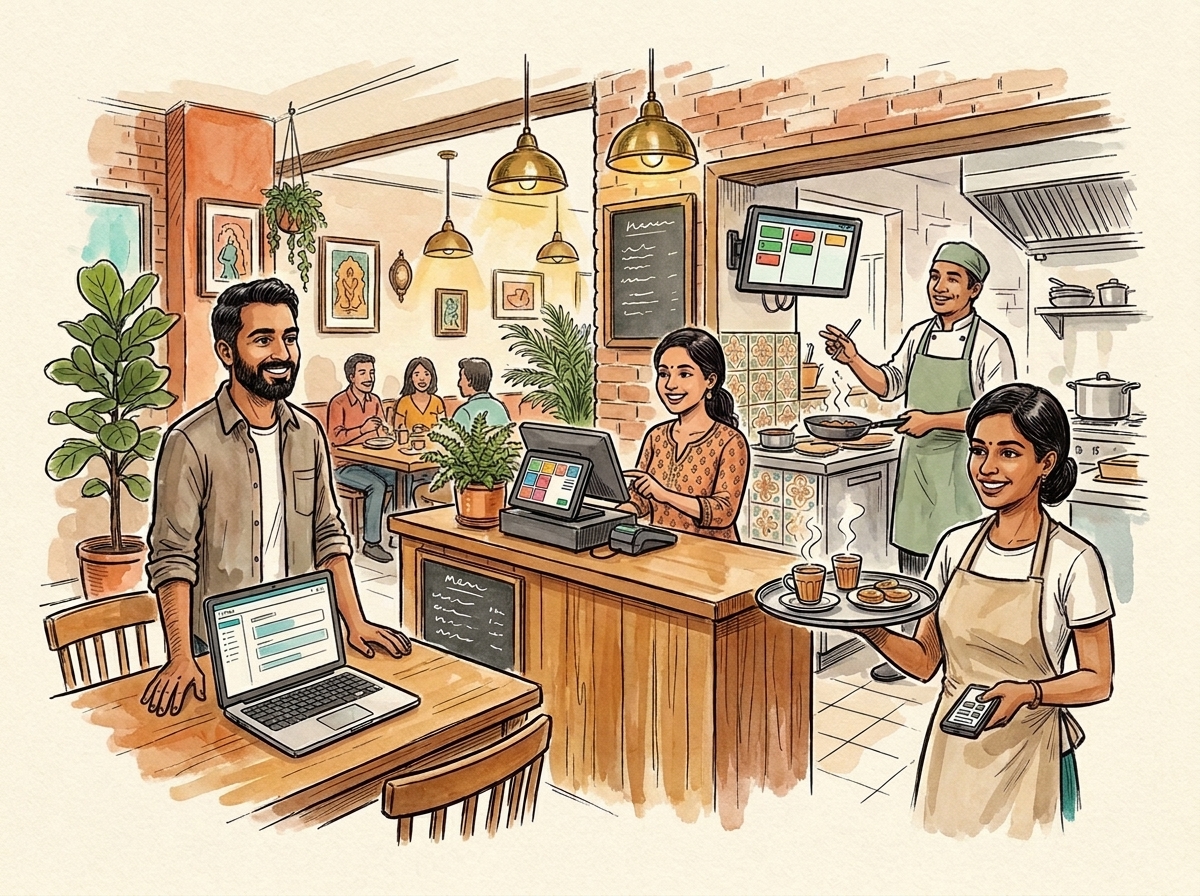
Team access
Invite a teammate, choose a clear operational role and review exactly what that role can do.
How it works
Add the people who need operational access.
Match access to front-of-house, kitchen or management responsibilities.
Confirm the staff member sees the right actions before launch.
Remove or adjust access when responsibilities change.
Key capabilities
These capabilities describe the restaurant-first specification. They avoid promising integrations, outcomes or automation that has not been validated.
Staff invitations
Role-based operational access
Kitchen-focused views
Billing and approval permissions
Management-level setup access
Access review workflow
Worked example
A new kitchen teammate receives ticket and item-status access, while menu settings, reports and billing controls stay with managers.
TicketsAllowed
Item statusAllowed
Menu settingsManager only
Who it is for
The flow is designed first for cafés and dine-in restaurants. Cloud kitchens and food-court counters can use the operational parts with a different service setup. Clinics, gyms and colleges are future verticals, not available product packages today.
Feature FAQs
No. Menu setup should be limited to an appropriate role.
Yes. The goal is a role-appropriate kitchen view.
No. Attendance is not part of the first-release scope.
Advanced custom roles are Coming later; first-release role scope must remain simple.
Related features
Orders arrive with table, item and payment context, then move through station and item-level status.
FeatureOrganise outlets, categories, dishes, availability, tables and QR codes without reprinting a paper menu.
FeatureBuild individual bills or a running table bill, record payment and give the guest a clean itemised receipt.