Create the outlet
Start with the restaurant or café location.
Feature · Menu and Table Management
Organise outlets, categories, dishes, availability, tables and QR codes without reprinting a paper menu.
The problem
Price changes, sold-out dishes and new categories make printed menus expensive to keep accurate.
Tables and QR codes also need a dependable relationship so every scan opens the correct outlet context.
Menu control
The guest phone and the manager controls stay connected: availability, categories, prices and table QR context.
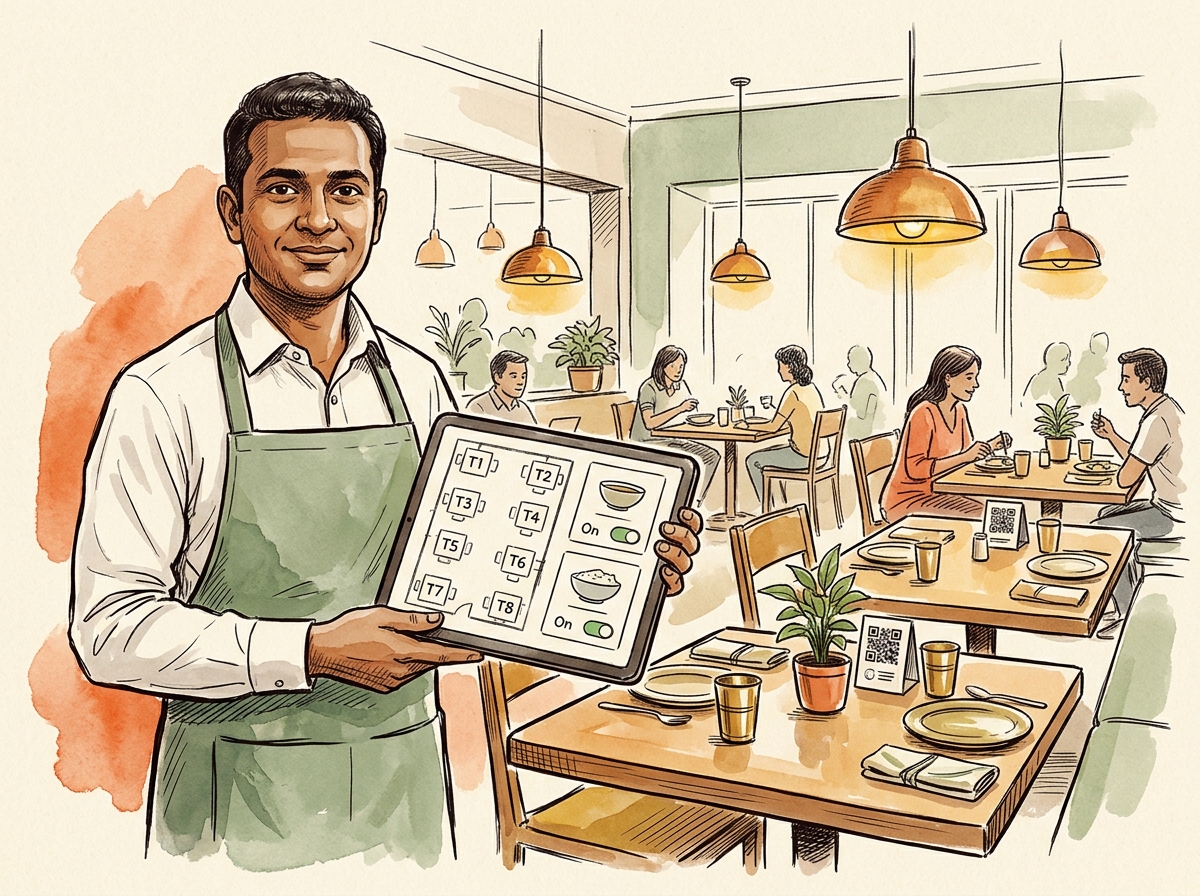
How it works
Start with the restaurant or café location.
Add names, prices and useful guest-facing details.
Create the service areas and table records used by orders.
Confirm each code opens the intended outlet and table before going live.
Key capabilities
These capabilities describe the restaurant-first specification. They avoid promising integrations, outcomes or automation that has not been validated.
Outlet setup
Menu categories and dishes
Current pricing
Availability control
Table records
Table-linked QR generation and testing
Worked example
The manager changes one availability control. Every table-linked menu reflects the update without printing another sheet or replacing a QR code.
Cold CoffeeUnavailable
Affected tables24
QR replacementNot needed
Who it is for
The flow is designed first for cafés and dine-in restaurants. Cloud kitchens and food-court counters can use the operational parts with a different service setup. Clinics, gyms and colleges are future verticals, not available product packages today.
Feature FAQs
Availability control is part of the intended menu workflow.
Yes. The table record gives the scan its order context.
They are planned for later, not presented as available today.
Multi-outlet menu reuse is agreed during setup based on how each outlet operates.
Related features
Guests browse, add items and choose how to pay without installing an app. Staff keep control of what reaches the kitchen.
FeatureInvite staff and separate responsibilities without turning the setup into a heavy enterprise project.
FeatureBuild individual bills or a running table bill, record payment and give the guest a clean itemised receipt.